
Play Monkey Mart Online
Start Monkey Mart in the player above, then use this spoiler-light guide for the premise, core mechanics, controls, objectives, and version differences.
Game Information
- Genre
- Supermarket management game
- Creator
- TinyDobbins
- Release
- Browser edition
- Format
- Browser game
What Is Monkey Mart?
Monkey Mart is a light management game created around movement rather than menus. Guide the monkey between crops, shelves, and checkout areas to keep products in stock, earn money from customers, and unlock a larger store.
How to Play Monkey Mart
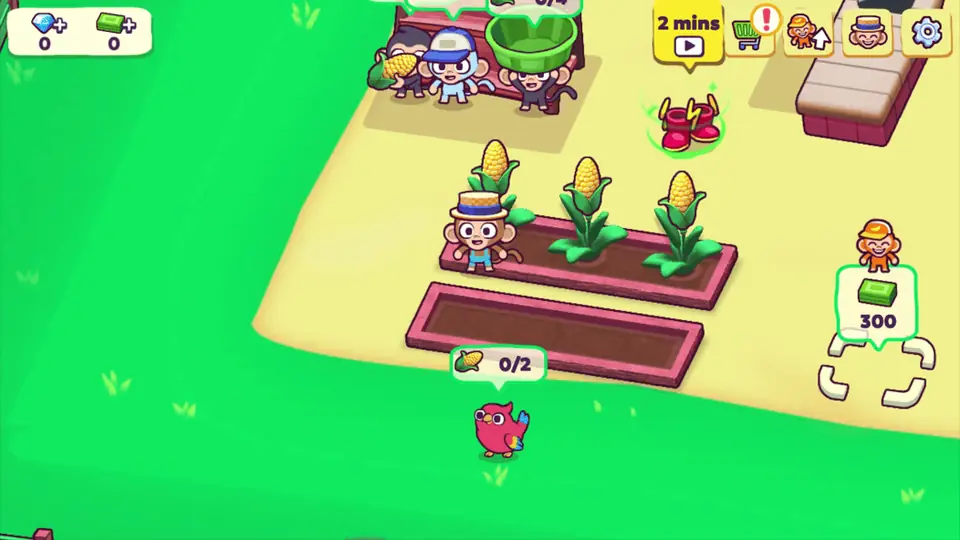
Move over a crop area to harvest products automatically. Carry the products to the matching shelves so customers can pick them up. Collect earnings and spend them on new stalls, upgrades, and helpers.
Controls
- Arrow keys, WASD, or touch
Objectives
- Keep produce stocked for arriving shoppers.
- Clear checkout queues to collect income.
- Expand the store with staff and useful upgrades.
Gameplay Mechanics
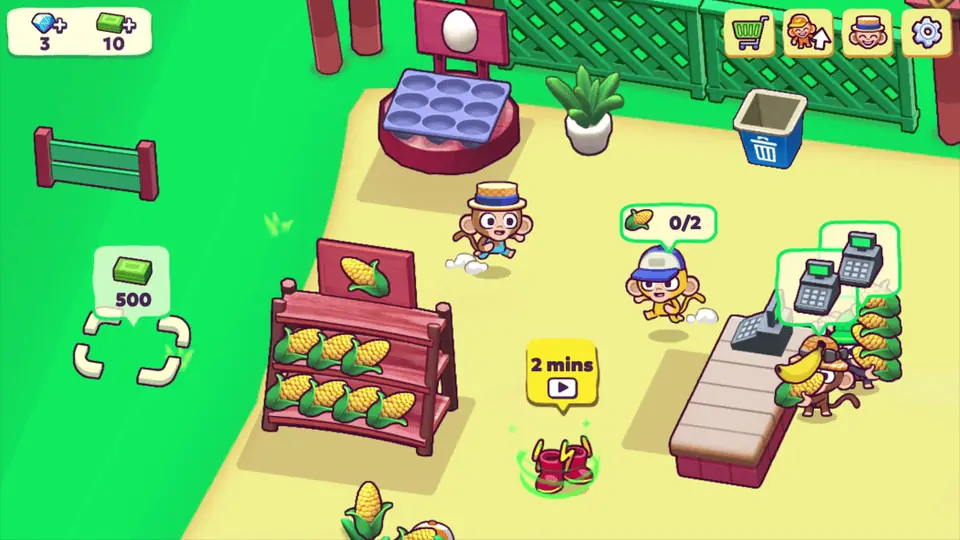
Work is shown as short trips across the store: crops become stock, shoppers empty shelves, and checkout turns goods into cash. Growing the mart adds more competing jobs, so a helpful employee can be as valuable as a new product.
Tips & Strategies
- Restock the fastest-selling shelves first so customers do not wait beside empty displays.
- Upgrade carrying capacity and hire help when walking between every station becomes the main bottleneck.
FAQs
Do I need to press a button to harvest or sell?
Most work happens automatically when the monkey stands in the correct area. Move beside the crop, shelf, or checkout and allow time for the task to finish.
Why does a bigger mart become harder to manage?
More shelves and customers create more harvesting, restocking, and checkout work. Hire and improve assistants to cover those jobs, and check whether a worker has fallen asleep.


